Familiar formatting
Headings, lists, tables, images, and footnotes, with a command ribbon that keeps them within reach.
A word processor, made for Mac.
Downword is a Mac word processor with beautiful pages, portable Markdown files, and an optional AI assistant that edits right in your document.
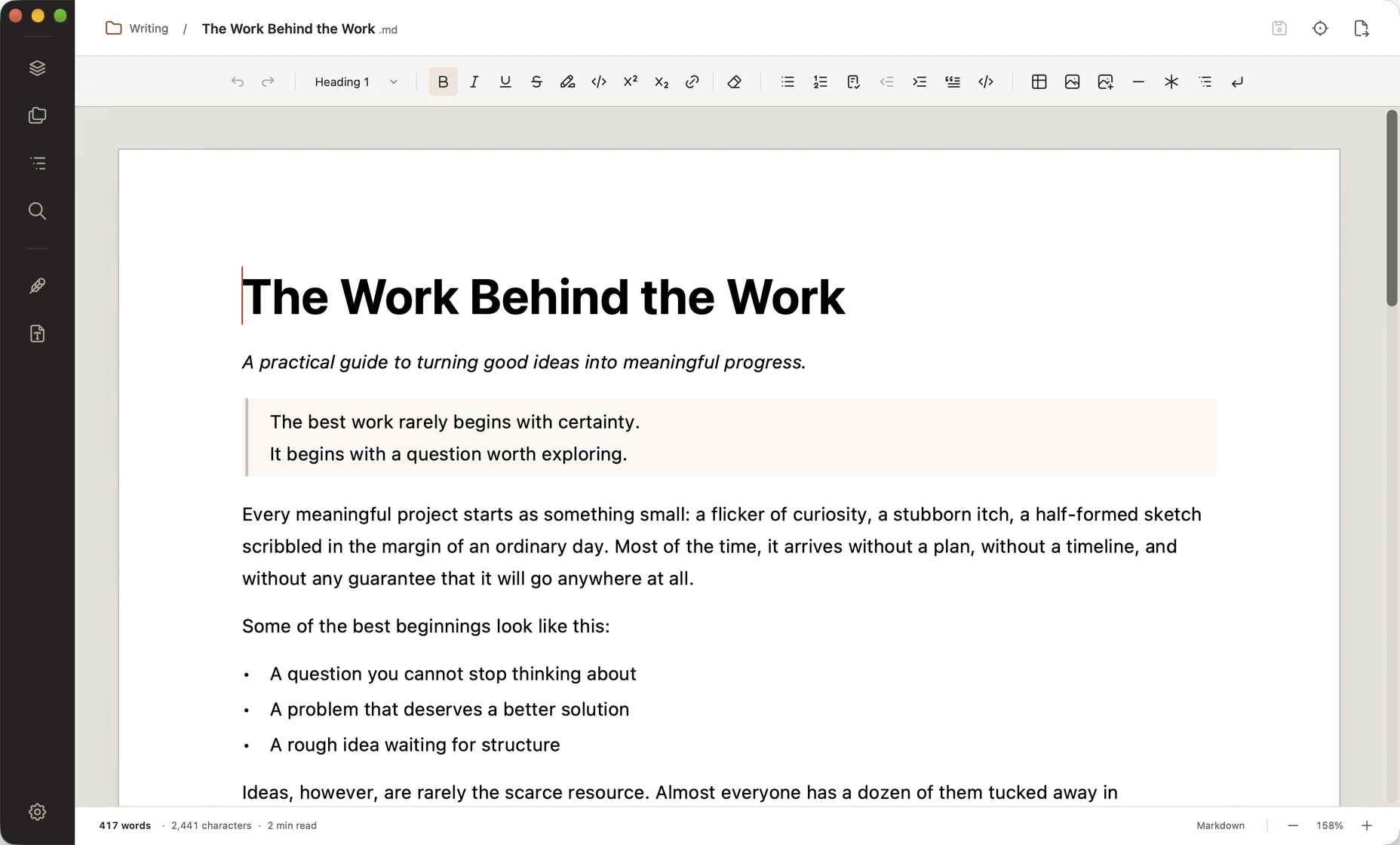
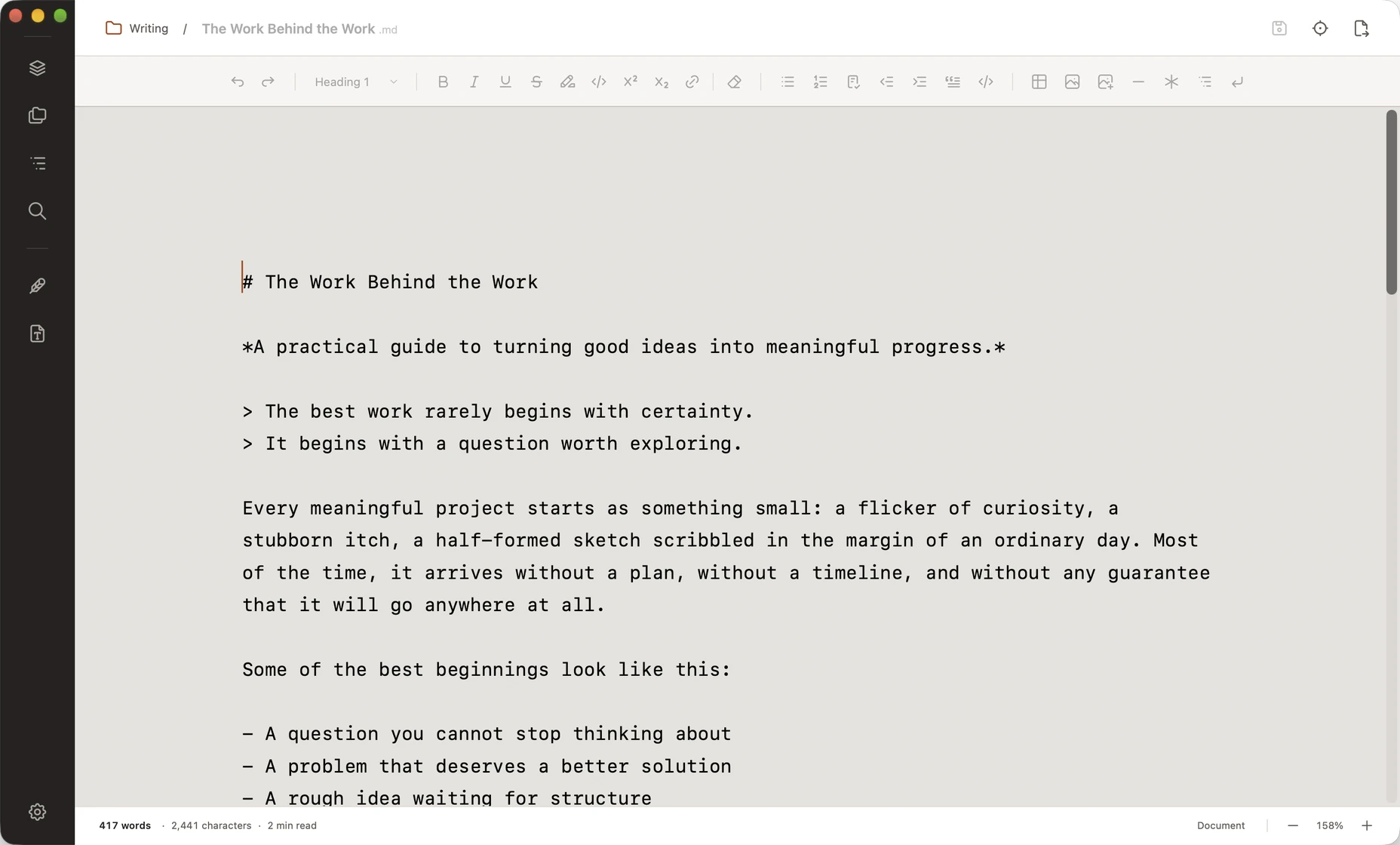
Write and format on a familiar page, without working around Markdown syntax. Your document is saved as plain Markdown, ready to open in other apps. Switch to source view whenever you need it.
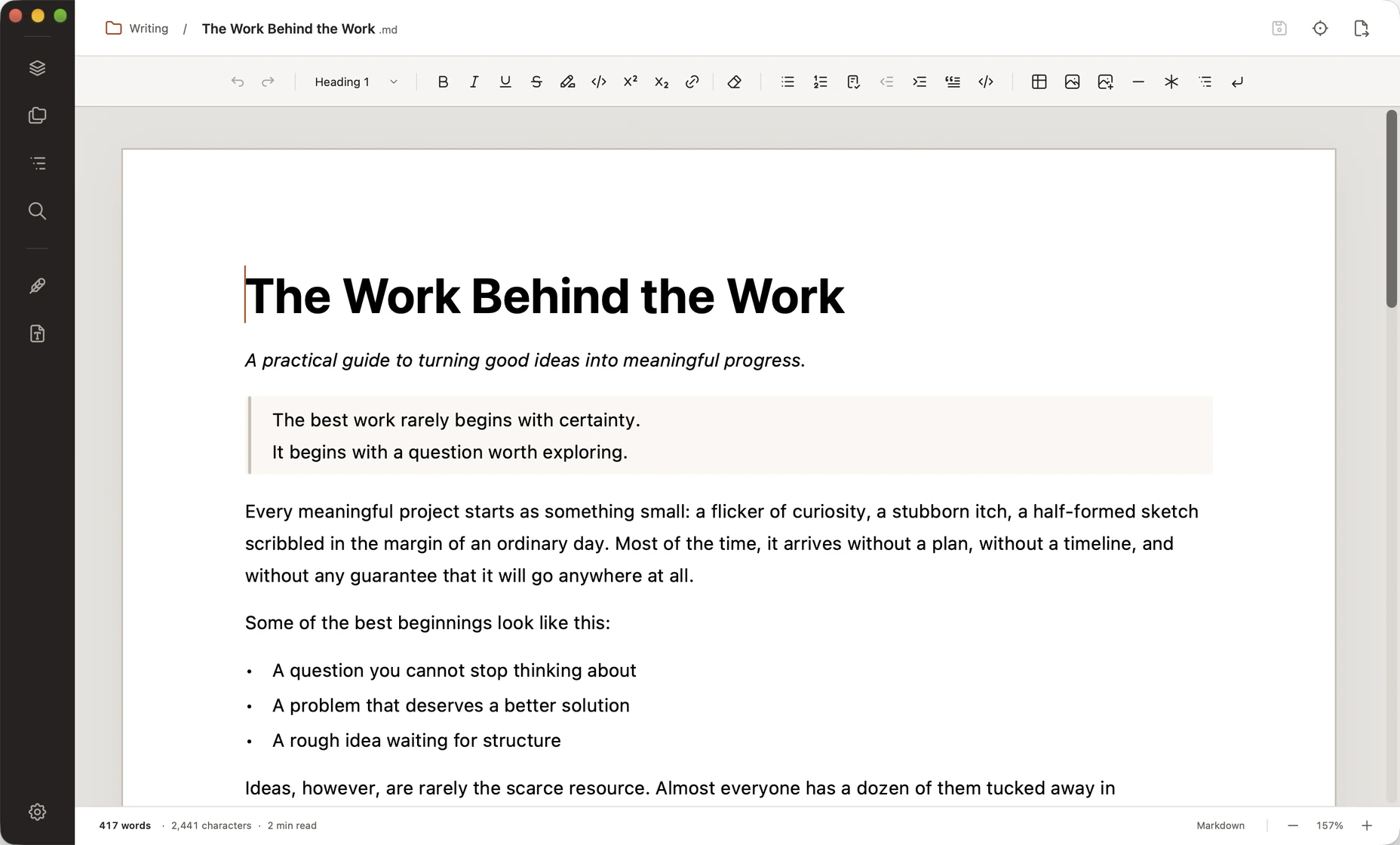
Headings, lists, tables, images, and footnotes, with a command ribbon that keeps them within reach.
No proprietary library. Keep your documents in your own folders and open them in any Markdown-compatible editor.
A native app with familiar keyboard shortcuts, local files, and trackpad zoom.
Open a folder and keep its documents close as you write. Browse nested folders, organize files, and search across your project without leaving Downword.
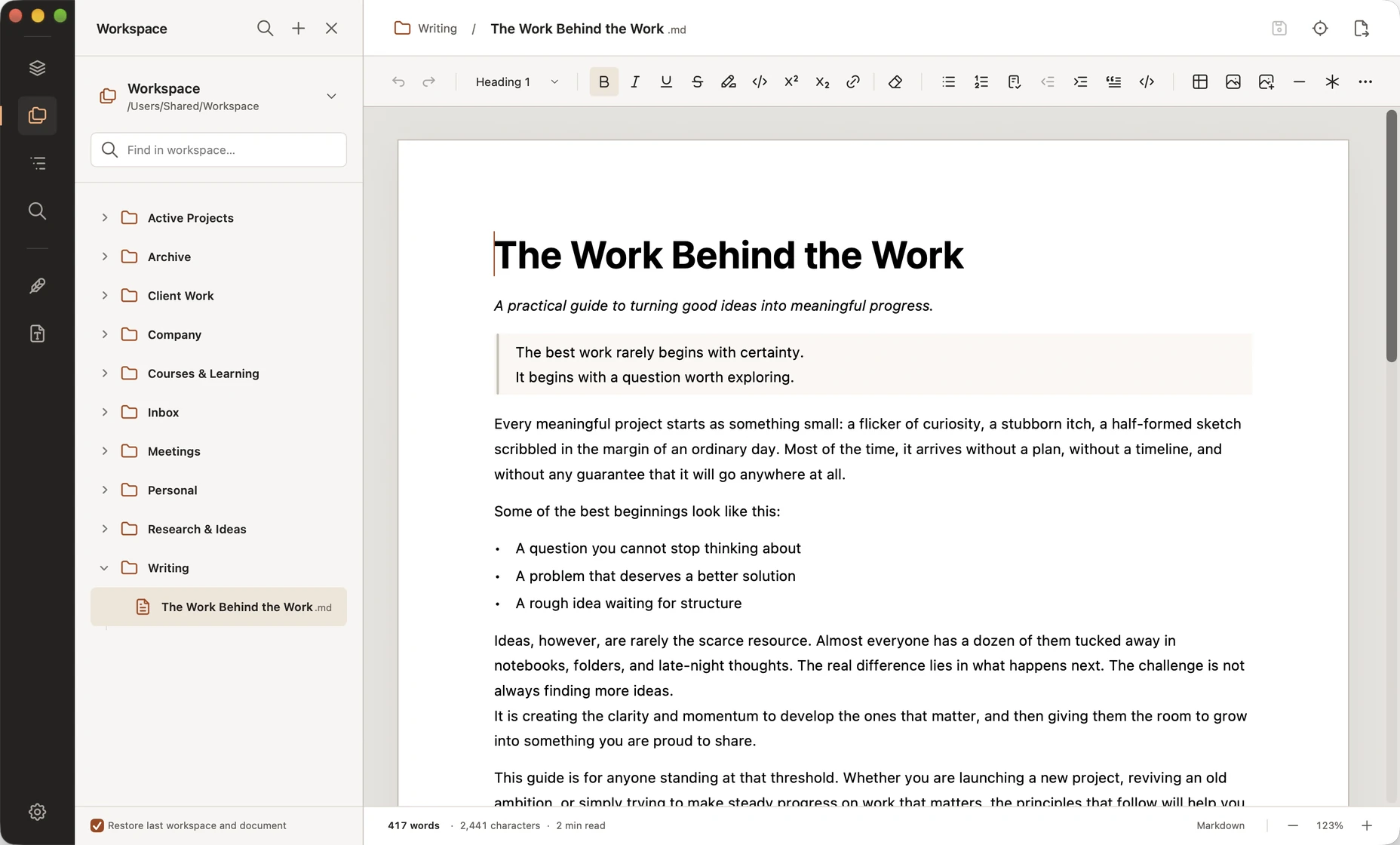
Create, rename, and move files and folders from the Workspace panel.
Find a passage across your Markdown files and open the document at the match.
Resume your last workspace and document when you next open Downword.
Ask for a stronger opening, a shorter paragraph, or help developing an idea. The Writing assistant makes changes in place, where you can review the differences, undo an edit, or restore an earlier version.
Downword works without AI. If you choose to use it, your prompts, document context, and selected attachments go directly to your chosen provider—not to Downword or its developer, MADNESS. The provider's own privacy and retention policies apply.
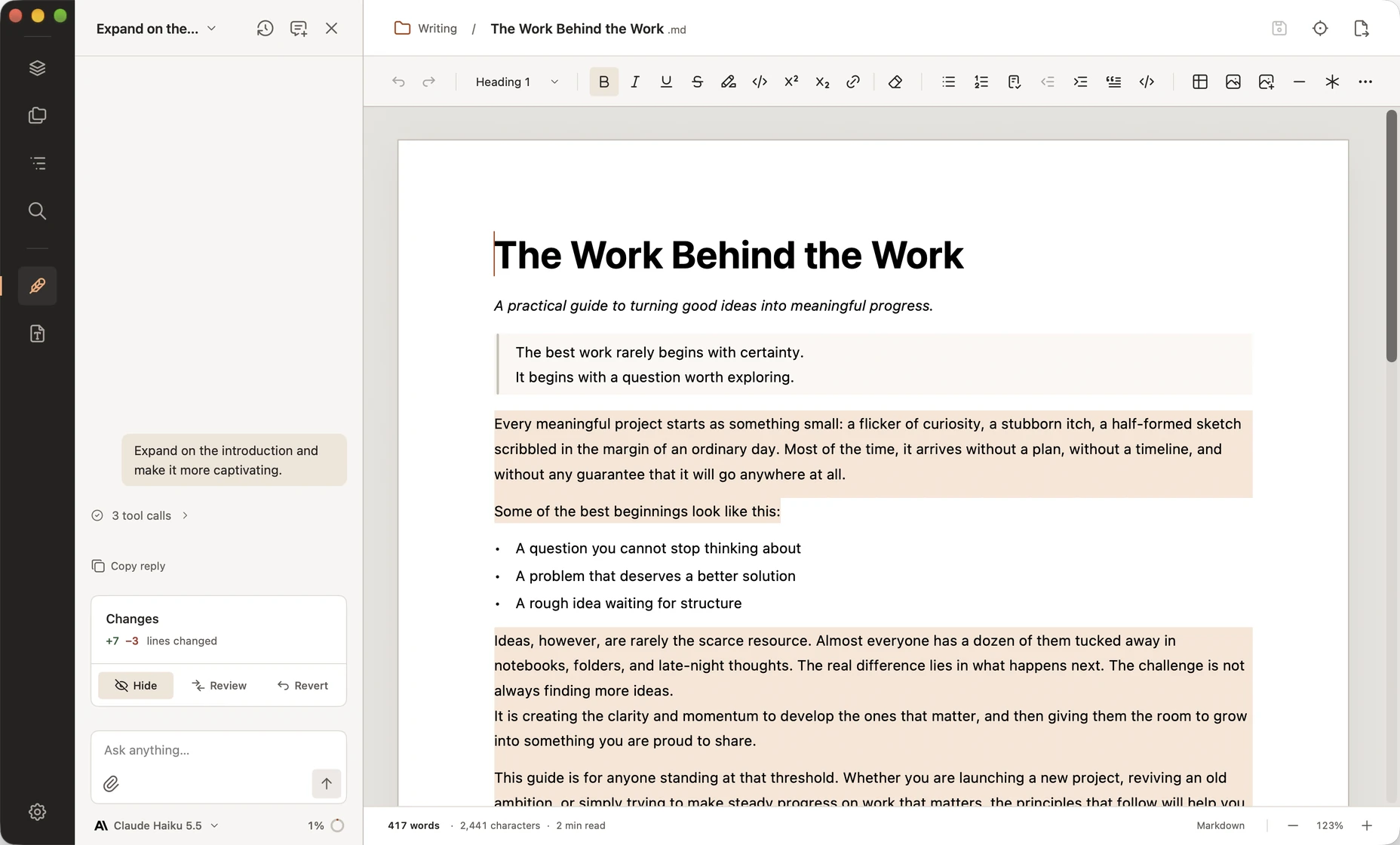
Attach PDFs, Word documents, notes, or images to give the assistant the context it needs.
Connect OpenAI, Anthropic, Google Gemini, OpenRouter, or Ollama. API keys stay in your macOS Keychain.
Provider usage is separate from your Downword purchase. You can also use local models through Ollama.
Choose the appearance and document defaults that suit you, then clear the workspace when you want to concentrate.
Focus Mode hides the rail and panels. One shortcut brings them back.
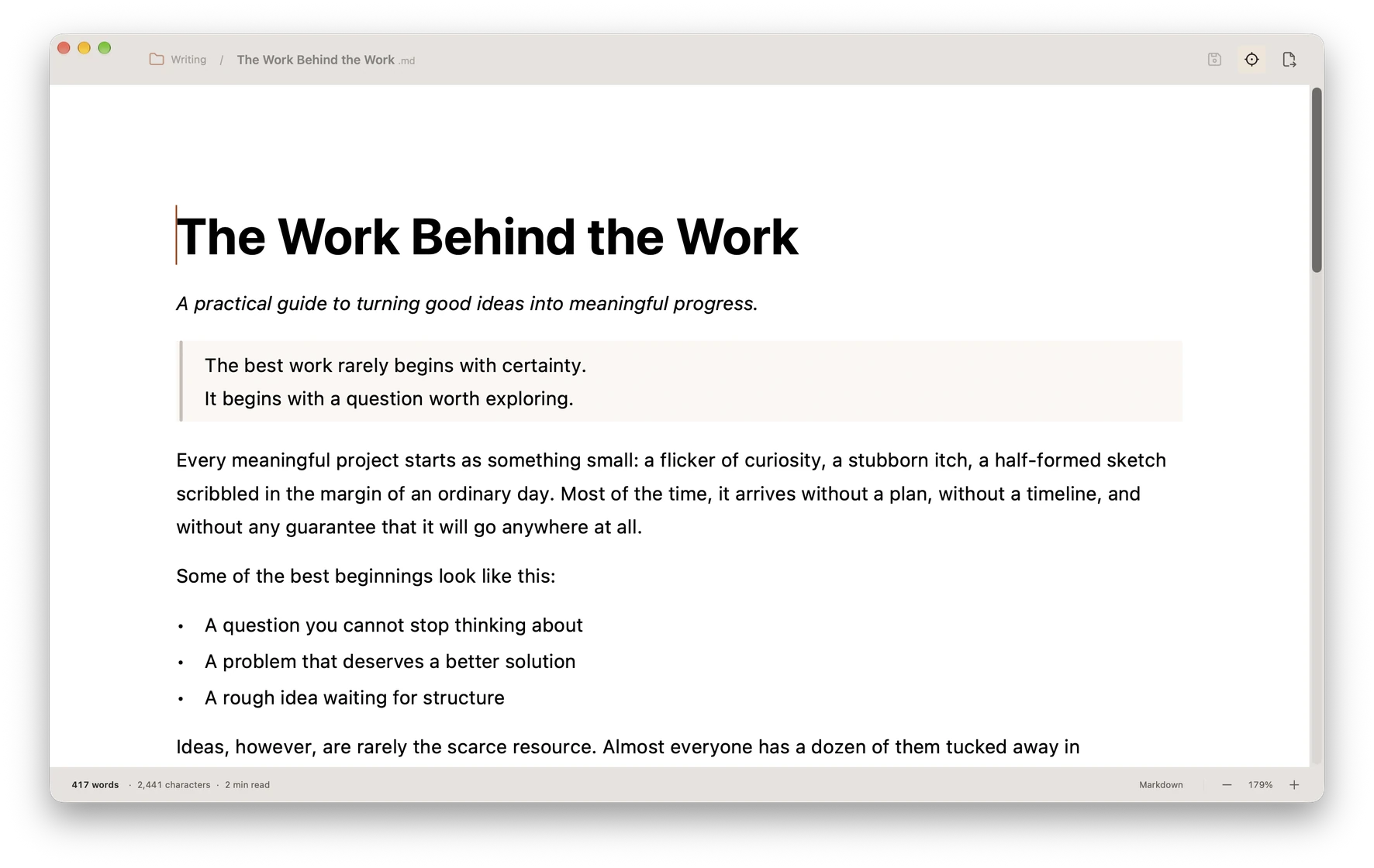
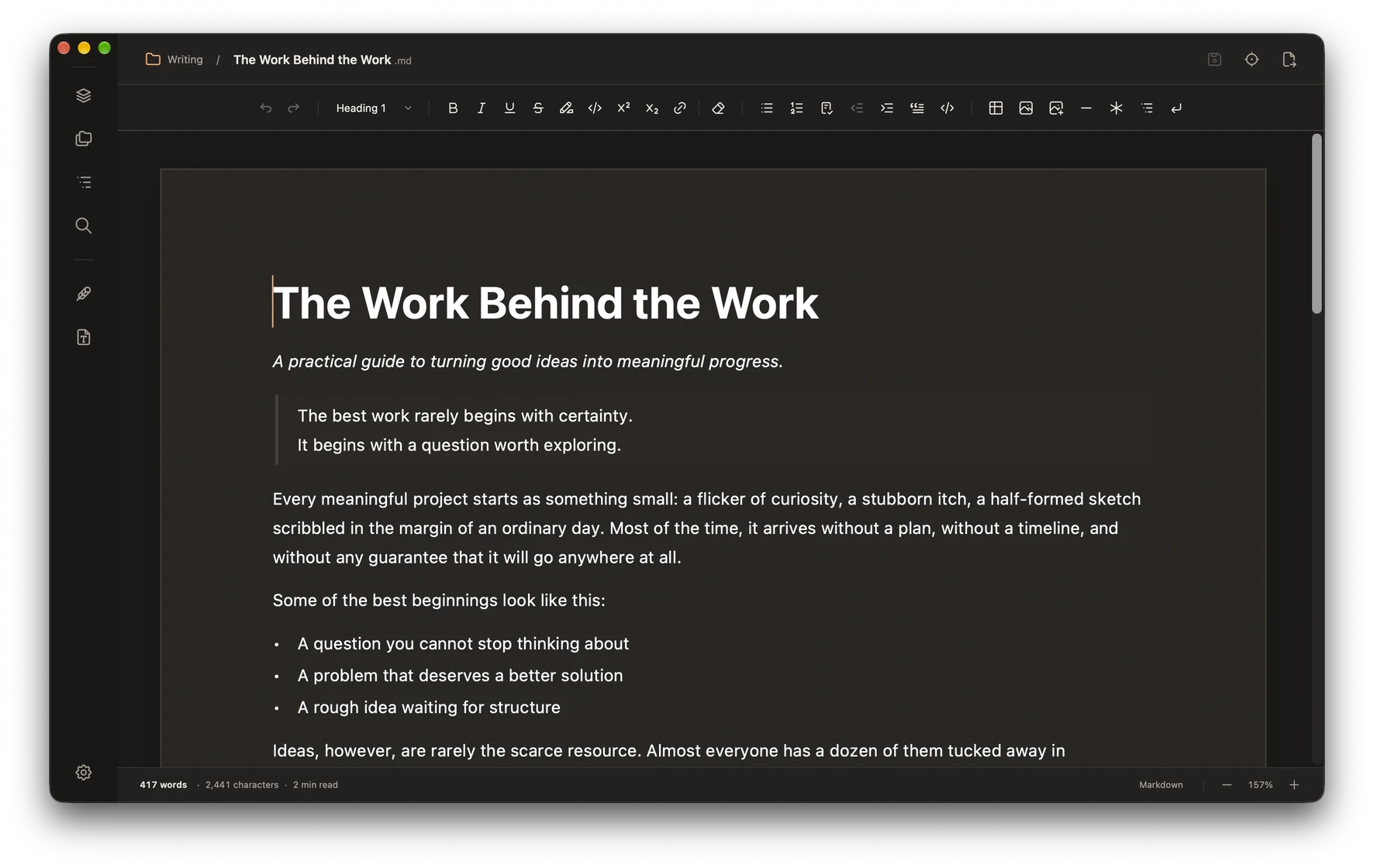
Every theme supports both appearances, or follows your Mac automatically.
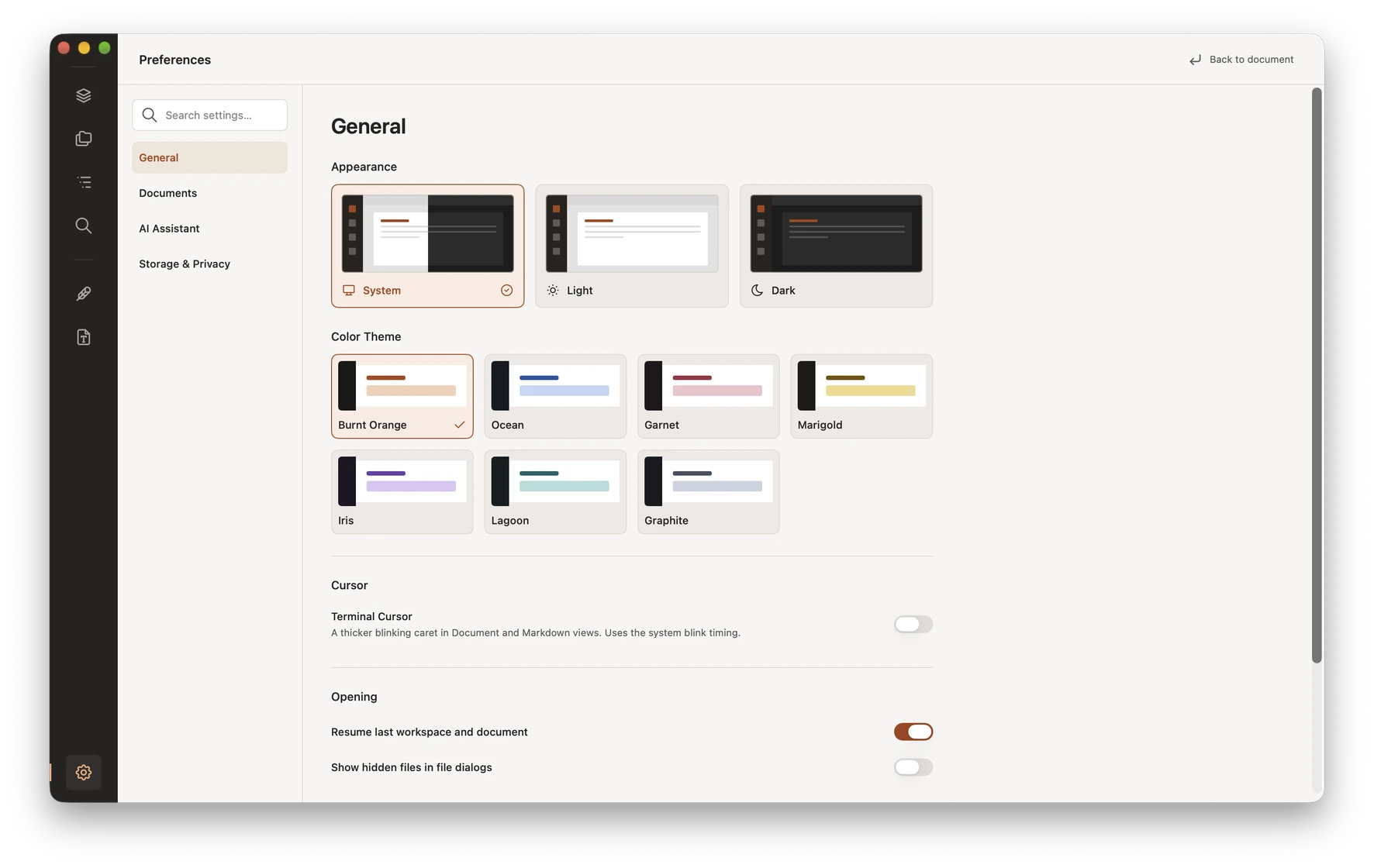
Set typefaces, page defaults, and AI connections in searchable Preferences.
Your documents, settings, and history are stored on your Mac. Downword includes no telemetry or usage analytics and does not send your writing to its developer.
Read the Privacy PolicyAI provider requests and permitted remote images can make network connections. Website analytics require your consent.
Export a Word document, PDF, or plain-text copy, or print your work. Your original Markdown file stays separate, ready for the next draft.
A word processor with the freedom of Markdown. Write on a formatted page with familiar controls, while your document stays a clean, portable Markdown file. Switch to source view whenever you want direct control.
Absolutely. Writing, formatting, workspaces, and export all work without an AI provider. The Writing assistant is entirely optional.
Downword is a one-time purchase on the Mac App Store, currently $29.99 $9.99 (Limited Time). AI usage is not included; your chosen provider may charge for API requests or models. Ollama supports local models, depending on your Mac and setup.
Your prompt, relevant document and conversation context, and the attachments you choose go directly to your configured provider or endpoint. The provider's processing and retention policies apply. Neither Downword nor its developer, MADNESS, receives this content through the app.
Yes. Your documents are ordinary Markdown files, not a proprietary library. Open them in other tools, keep them in your own folders, or export copies as Word, PDF, or plain text.
Choose from Burnt Orange, Ocean, Garnet, Marigold, Iris, Lagoon, and Graphite in Preferences. Each theme supports light and dark appearance, or follows your Mac's system setting. The website preview shows each theme's light appearance. Try all seven above.

$29.99 $9.99 Limited Time, one-time purchase. No Downword subscription.
Optional AI provider usage is billed separately.